
You have no recently viewed items.


Classroom Chairs
Classroom Desks
Activity Tables
Height Adjustable Tables
Rocking Chairs & Wobble Stools
Teacher Chairs
Teacher Desks
Classroom Storage
Whiteboards
Book Racks & Book Carts
Cubby & Multi-Storage
Easels & Art Furniture
Interactive Play Furniture
Shelving & Cabinets
Daycare Furniture
Montessori Furnishings & Equipment
Office Workstations
Office Chairs
Reception Desks
Waiting Room Chairs
Filing Cabinets & Pedestals
Monitor Arms
Keyboard Trays
Lighting
Power

Whiteboards: Buying Guide, Types & Best Uses
Key Takeaways
-
Physical whiteboards range from affordable melamine boards (under $50) to premium glass and porcelain options ($200+), while online whiteboards offer freemium tiers with paid upgrades for team features.
-
This guide helps you choose the right size, surface material, and features for your office, or classroom whether you need a small desk board or a 4’ x 8’ conference room installation.
-
Surface material is the biggest factor in durability: melamine works for light use, porcelain offers decades of service, and glass resists ghosting entirely.
-
The FAQ section at the end addresses practical questions not covered in the main sections, including cleaning stubborn marks, security for online tools, and optimal mounting heights.
What Is a Whiteboard in 2025?
In 2025, the term “whiteboard” encompasses two distinct but related tools: the familiar physical board you write on with markers, and the digital infinite canvas that lives in your browser. Both serve the same fundamental purpose—capturing ideas visually and enabling collaboration—but they do so in very different ways.
-
Traditional white boards feature a hard, smooth surface made from materials like melamine, porcelain, or glass. You use a dry erase marker to write, sketch, or diagram, then wipe clean with an eraser. These boards have been classroom and meeting room staples since the 1990s, when they largely replaced dusty chalkboards.
-
Online whiteboards emerged in the early 2020s as browser-based, real-time collaborative canvases. Tools like Canva Whiteboards allow team members to work simultaneously from any device—desktop, tablet, or mobile—adding sticky notes, shapes, and connectors without physical proximity.
-
Key differences come down to finite vs infinite space, physical presence vs remote access, and tangible writing vs digital tools like templates and auto-alignment. A physical board in your workspace offers tactile satisfaction; a digital board offers unlimited room to expand your thinking.
-
Common use cases since around the 2010s include classrooms for teaching, corporate meeting rooms for planning sessions, home offices for personal productivity, coworking spaces for group brainstorming, and remote workshops connecting distributed teams.
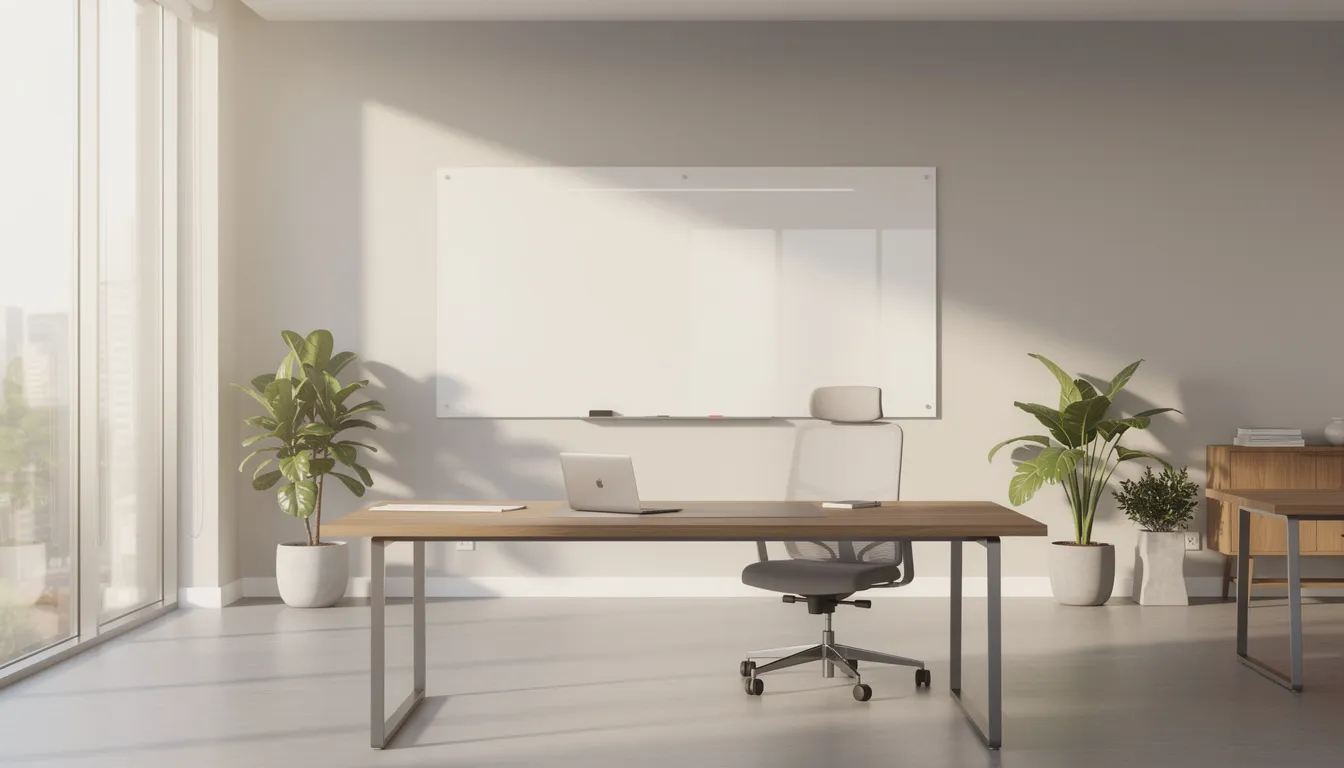
Types of Physical Whiteboards
Understanding the main categories of physical boards helps you select a product that matches your budget, durability expectations, and workspace aesthetic. Here’s what you’ll find at most retailers.
-
Melamine whiteboards represent the entry-level option. These boards use a paper-based laminate surface bonded to a composite backing. They’re affordable and suitable for home offices, dorm rooms, and small classrooms with light use. The trade-off: melamine surfaces are prone to ghosting after heavy, repeated use—those faint marks that won’t fully erase.
-
Porcelain and ceramic steel boards step up in durability. The writing surface is fired enamel fused to steel, creating a hard, scratch-resistant finish. Most porcelain boards are magnetic, allowing you to attach documents with magnets. Brands like Quartet and Steelcase PolyVision offer these commercial-grade options, often with 25-year or lifetime warranties.
-
Glass whiteboards deliver a premium, modern aesthetic. The non-porous surface resists staining completely—no ghosting, even after years of daily use. They typically feature frameless edges and work well in executive offices and conference rooms. Note that standard glass boards aren’t magnetic unless specifically designed with a magnetic layer.
-
Magnetic vs non-magnetic is an important distinction. Magnetic boards let you post schedules, photos, and documents without tape, which proves especially useful for agile teams tracking work items or teachers displaying student materials.
-
Specialty formats include printed calendar boards for monthly and weekly planning, combination cork-and-whiteboard units that pair writing space with pin-up areas, portable lap boards designed for students, and mobile rolling frames that move between rooms as needed.
Choosing the Right Size & Format
Size matters more than you might expect. A board that’s too small limits your ability to capture thoughts during a productive session, while an oversized board in a cramped space feels awkward. Common retail sizes range from small 8.5” x 11” lap boards to expansive 4’ x 8’ conference room installations.
-
Small boards (under 2’ x 3’) work best for personal desks, cubicle walls, or dorm rooms. These are ideal for jotting quick reminders, tracking a short to-do list, or organizing daily priorities without taking over your workspace.
-
Mid-size boards (~3’ x 4’) hit the sweet spot for typical home offices or huddle rooms. They provide enough room for quick stand-ups, daily planning sessions, or sketching out a project timeline with your team.
-
Large-format boards (4’ x 6’ and 4’ x 8’) suit training rooms, classrooms serving 20–30 students, or dedicated project war rooms where teams need to map out complex workflows. These boards give you the space to let ideas run freely.
-
Wall-mounted vs mobile frames depends on how you’ll use the board. Wall-mounted boards save floor space and create a permanent collaboration station. Rolling mobile boards offer flexibility—you can wheel them between rooms or reposition them during workshops.
-
Calendar and planner boards deserve special mention. Monthly or weekly layouts help families stay organized, project managers track milestones, and teachers maintain visible schedules that keep everyone aligned.
|
Room Type |
Recommended Size |
Best Format |
|---|---|---|
|
Cubicle/Desk |
Under 2’ x 3’ |
Wall-mounted or desktop easel |
|
Home Office |
3’ x 4’ |
Wall-mounted |
|
Huddle Room |
3’ x 4’ to 4’ x 6’ |
Wall-mounted or mobile |
|
Classroom |
4’ x 6’ to 4’ x 8’ |
Wall-mounted |
|
Conference Room |
4’ x 8’ or larger |
Wall-mounted or mobile |
Whiteboard Surfaces & Durability
The surface material is the primary driver of price, write quality, and resistance to staining. Selecting the right surface for your use frequency saves frustration—and money—in the long run.
-
Melamine surfaces offer an entry-level price point and work well for light use (one or two meetings per week). Expect a functional lifespan of a few years before heavy staining sets in with daily use. These boards cost less upfront but may need replacement sooner.
-
Porcelain and enamel steel surfaces are commercial or educational grade. The fired enamel creates a hard, non-porous finish that resists scratches and ink penetration. Many manufacturers back these boards with 25-year or lifetime warranties—a testament to their durability. They’re also magnetic, adding versatility.
-
Branded technologies like Quartet’s DuraMax Porcelain and Nano-Clean surfaces represent advanced coatings designed to resist ink penetration and make cleaning easier. These premium options minimize ghosting even under heavy daily use.
-
Glass surfaces command a premium price but deliver unmatched performance. The completely non-porous surface writes smoothly, erases cleanly, and never ghosts. Installation requires stronger wall anchors due to the weight. The frameless aesthetic creates a sleek, modern look that enhances professional office spaces.
|
Surface Type |
Cost |
Durability |
Magnetic |
Ghosting Risk |
Best For |
|---|---|---|---|---|---|
|
Melamine |
Low |
2-4 years |
No |
High |
Light home use |
|
Porcelain |
Medium-High |
15-25+ years |
Yes |
Low |
Schools, offices |
|
Glass |
High |
20+ years |
Usually no |
None |
Executive offices |

Essential Accessories & Maintenance
Performance depends heavily on the quality of your markers, erasers, and cleaning routines. The right accessories extend board life and keep your writing surface looking fresh.
-
Must-have accessories include low-odor dry erase markers (in multiple colors for organizing ideas visually), felt or microfiber erasers, cleaning spray designed for dry erase surfaces, microfiber cloths, magnetic trays for marker storage, and magnets for posting documents.
-
Cleaning products matter. Use only alcohol-based or manufacturer-approved cleaners. Avoid abrasive pads that can scratch melamine surfaces or strip protective coatings. A soft cloth with the right solution preserves your board’s integrity.
-
Establish a cleaning schedule. For frequently used boards, a quick wipe-down at the end of each week prevents residue buildup. Monthly deep cleaning keeps light-use boards in top condition. This routine dramatically reduces ghosting on melamine surfaces.
-
Replace markers and erasers regularly. In a busy classroom or active meeting room, plan to replace markers every few months. Dried-out markers leave faint lines that accumulate as ghost marks. Store markers horizontally to keep ink flowing evenly to the tip.
-
Proper installation ensures safety and optimal use. Follow manufacturer guidelines for wall anchors, especially with heavier glass boards. Position the board at a height comfortable for all users—we’ll cover specifics in the FAQ.
Online Whiteboards & Real-Time Collaboration
Online whiteboards have become mainstream for hybrid and remote teams since the late 2010s. They solve a fundamental challenge: how do you brainstorm together when you’re not in the same room?
-
Core features include an infinite canvas (no running out of space), drag-and-drop elements, digital sticky notes, connectors and arrows, and pre-built templates for brainstorming, project planning, mind mapping, and retrospectives. You can explore and customize layouts to match your workflow.
-
Real-time collaboration means multiple people can work on the same board simultaneously. You’ll see colored cursors showing who’s working where, live editing updates, and often anonymous guest access that lets external collaborators join without creating accounts.
-
Teaching and workshops benefit enormously from digital boards. Educators use them for live classes, breakout room activities, and interactive sessions where students add notes simultaneously. The digital record persists after the session ends, unlike physical board content.
-
Device access makes these tools genuinely flexible. Modern platforms run in browsers and offer native apps for Windows, macOS, iOS, and Android. Work from your office, your home, or on a train—your board travels with you.
-
Physical vs digital isn’t always either/or. Many teams use both: a large physical board in the meeting room for in-person sessions, mirrored or photographed to a digital board for remote teammates.

Best Uses for Whiteboards: Home, School & Office
Three main environments—home, education, and workplace—each bring distinct needs. Here’s how whiteboards create value in each setting.
-
Home use extends beyond the home office. Families place calendar boards in kitchens to coordinate schedules, create chore charts for kids, plan weekly meals, and track personal goals. A small board in a home workspace helps you stay organized without cluttering your desk.
-
K–12 and higher education represent the original whiteboard territory. Teachers use them for daily lesson plans, math problem-solving demonstrations, language practice, and vocabulary work. Inexpensive student lap boards enable quick checks for understanding—every student can hold up their answer simultaneously.
-
Corporate teams rely on whiteboards for strategy sessions, sprint planning, kanban boards tracking work in progress, meeting notes visible to the whole room, and visual roadmaps for product launches. The ability to bring everyone’s attention to a single focal point during discussions proves invaluable.
-
Creative and design work finds natural expression on whiteboards. Storyboarding, UX flows, mood boards, and concept sketches all benefit from the freeform canvas. Digital whiteboards add the ability to link sketches with images, documents, and notes in one expandable space.
Real-world examples:
A marketing team runs weekly retrospectives on a rolling whiteboard, capturing what worked, what didn’t, and action items for the coming week. By the end of each session, they photograph the board and archive it in their project management tool.
An elementary school teacher uses both a wall-mounted board for in-person instruction and a mirrored online board so remote students can follow along. The dual approach ensures no student misses the lesson content.
A product design team maintains a massive glass board as their “dream wall”—a place where hundreds of ideas live temporarily before the team selects which to pursue. The visual inventory helps during planning sessions when selecting priorities.
Cost, Where to Buy & What to Look For
Understanding price ranges helps you budget appropriately, and knowing where to shop—both online and in-store—ensures you find the right product for your needs.
Approximate price bands for physical boards in 2025:
|
Category |
Size Range |
Typical Price |
|---|---|---|
|
Small melamine |
Under 2’ x 3’ |
Under $50 |
|
Mid-size melamine/porcelain |
3’ x 4’ |
$50–$150 |
|
Large porcelain |
4’ x 6’ to 4’ x 8’ |
$150–$400 |
|
Glass boards |
3’ x 4’ and larger |
$200–$600+ |
-
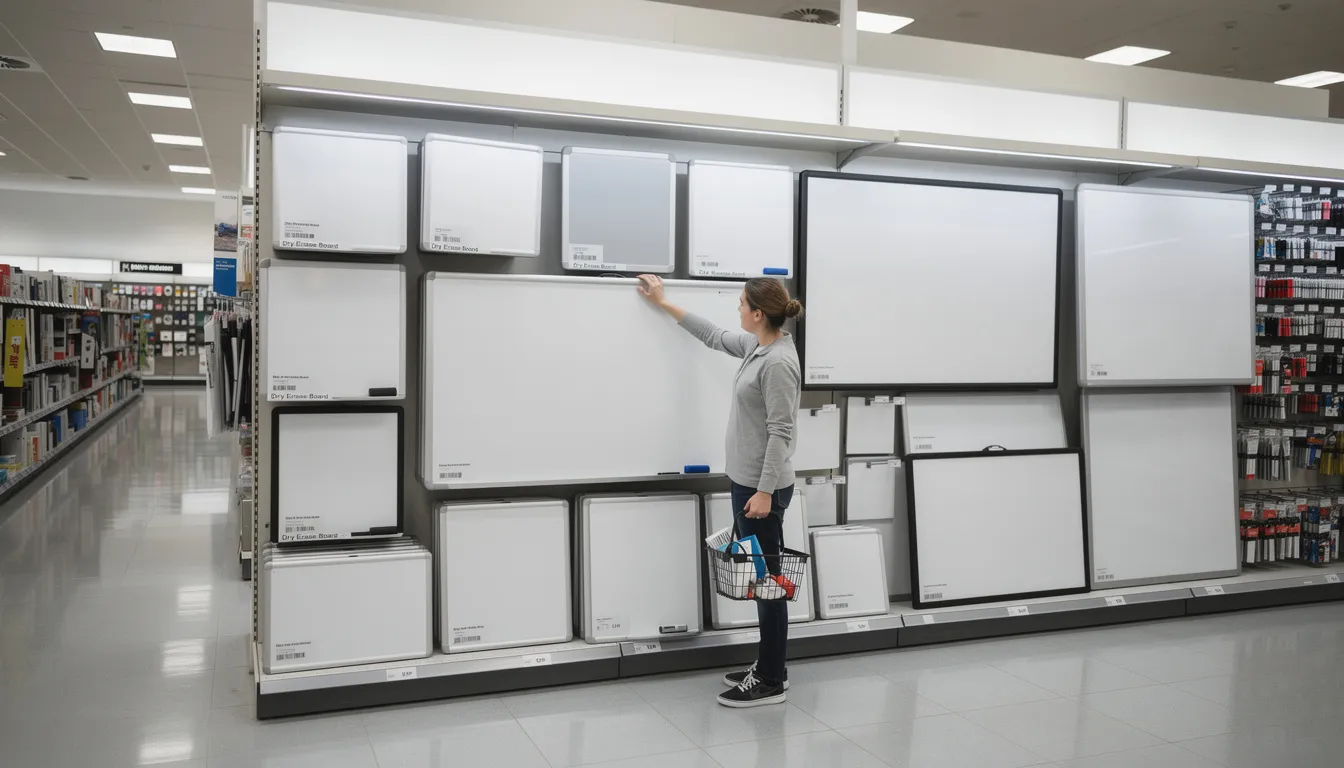
Typical retailers include office supply chains (Staples, Office Depot), big-box stores (Walmart in Canada and the US, Target), and direct manufacturers (Steelcase, Quartet) for premium solutions. Online marketplaces offer competitive pricing and broader selection.
-
Online whiteboard pricing typically follows a freemium model. Free tiers offer basic canvases with limited storage or export options. Paid plans—often $10–$20 per user monthly—add more templates, storage, advanced export formats, and admin controls for teams managing sensitive information.
-
Key buying checklist items:
-
Room dimensions and available wall or floor space
-
Mounting surface (drywall, concrete, cubicle panel)
-
Need for magnetic capability
-
Expected cleaning frequency
-
Lifespan expectations based on use intensity
-
Number of users who’ll work at the board
-
Integration needs with existing digital tools
-
Before you buy, ask yourself:
-
How often will this board be used—daily or occasionally?
-
Do I need to post documents with magnets?
-
Is ghosting resistance worth the extra investment?
-
Will the board need to move between locations?
-
Do I need a physical board, a digital solution, or both?
FAQ
How long does a typical whiteboard last?
Lifespan varies dramatically by surface material. Melamine boards hold up for a few years of daily use before ghosting becomes problematic—they’re designed for lighter duty. Porcelain and glass boards, properly maintained, often serve well for a decade or more. Premium porcelain models with lifetime warranties can easily last 25 years in educational or corporate settings, making them the easiest choice for long-term value despite higher upfront costs.
Can I use permanent markers on a dry erase board by mistake?
This happens more often than you’d think, and it’s usually recoverable. The tried-and-true method: overwrite the permanent marker lines with a dry erase marker, then wipe immediately. The solvents in the dry erase ink help dissolve the permanent ink. For stubborn marks, apply isopropyl alcohol or a dedicated whiteboard cleaner, let it sit briefly, then wipe with a soft cloth. On glass surfaces, this works almost perfectly every time; on melamine, some faint staining may remain.
What’s the best height to mount a wall whiteboard?
For general office use, center the board at average eye level—roughly 57 to 60 inches from the floor to the board’s center. This allows comfortable writing for most adults. In classrooms with younger students, lower the board accordingly; elementary settings often position the bottom edge around 24–30 inches from the floor so children can reach the entire surface. For conference rooms with seated participants, consider how the board’s position relates to the table and sightlines.
Is a magnetic whiteboard worth the extra cost?
For many use cases, absolutely. Magnetic capability transforms a writing surface into an organizational hub—you can post documents, schedules, photos, and visual cues without tape or pins. Agile teams love magnets for moving task cards across kanban columns. Teachers use them to display student work and instructional materials. If your workflow involves any physical items you’d want attached to the board, the modest premium for magnetic porcelain or steel surfaces pays off quickly in convenience and flexibility.
- Choosing a selection results in a full page refresh.


!